Key Highlights of the Best AI Tools for Graphic Designers in 2026
In 2026, the best AI tools for graphic designers are revolutionizing the way creatives operate. AI tools help designers save time, enhance quality, and increase productivity by automating repetitive tasks and producing beautiful visuals in a matter of seconds.
The best AI tools for graphic designers, such as those for image creation, branding, UI design, and editing, are covered in this guide. A comparison table, real-world examples, and advice on selecting the best tool for your workflow will also be covered.
Why Graphic Designers Need AI Tools in 2026
The best AI tools for graphic designers are becoming necessary rather than optional as the role of designers changes quickly. AI is not just transforming design but also reshaping marketing strategies. Learn more in our detailed guide on How Social Media Affects SEO Rankings, where we explain how AI-driven platforms impact visibility and engagement.
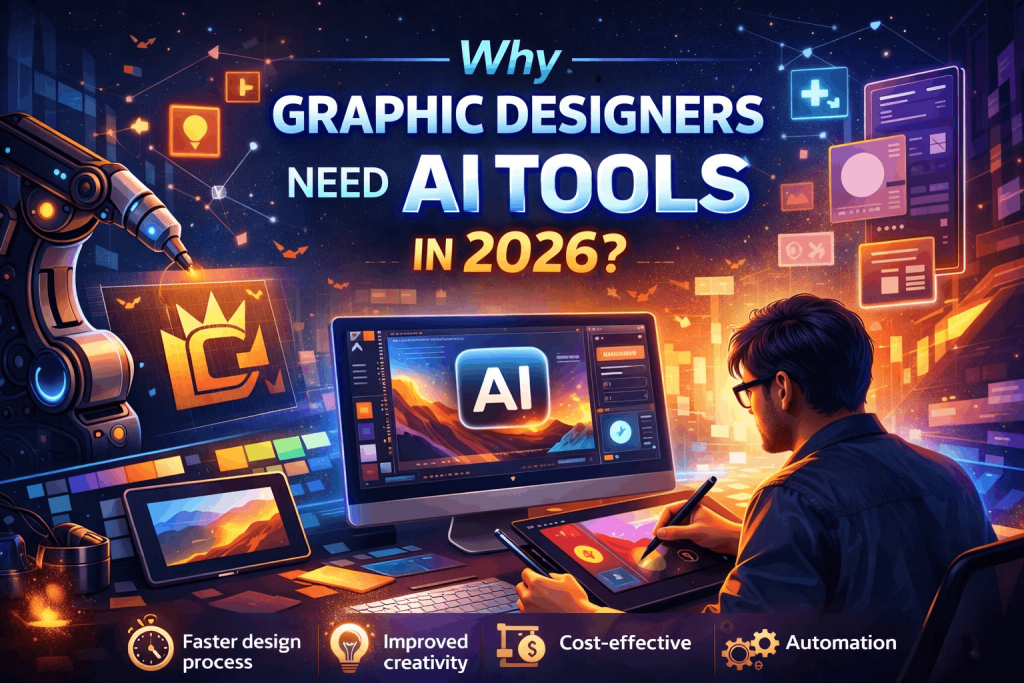
Key Benefits:
- Faster design process: Generate concepts instantly
- Improved creativity: AI suggests unique ideas
- Cost-effective: Reduce outsourcing and manual effort
- Automation: Background removal, resizing, and layouts
Example: AI tools can produce several variations of a social media post in minutes rather than two hours, which is why many professionals also rely on AI tools for marketers to align creative output with campaign performance.
Best AI Tools for Graphic Designers (Top Picks)
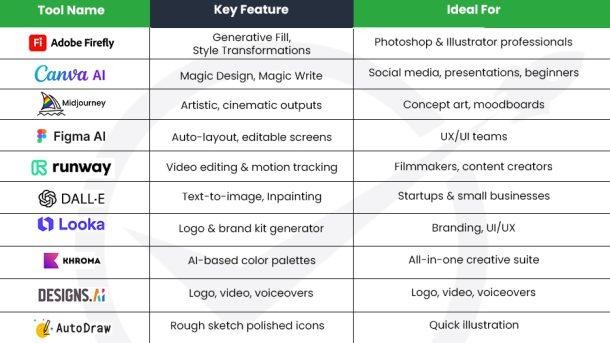
Here are the best AI tools for graphic designers categorized for better understanding:
1. AI Tools for Image Generation
| Tool | Best For | Key Features | Example Use |
| Midjourney | Artistic visuals | High-quality AI art | Posters, concept art |
| DALL·E | Creative images | Text-to-image | Blog visuals |
| Leonardo AI | Game assets | Detailed rendering | Characters, environments |
Example: A designer can quickly come up with several ideas by typing “modern minimalist logo with gold accents,” especially when using advanced AI image creation tools that streamline ideation and execution.
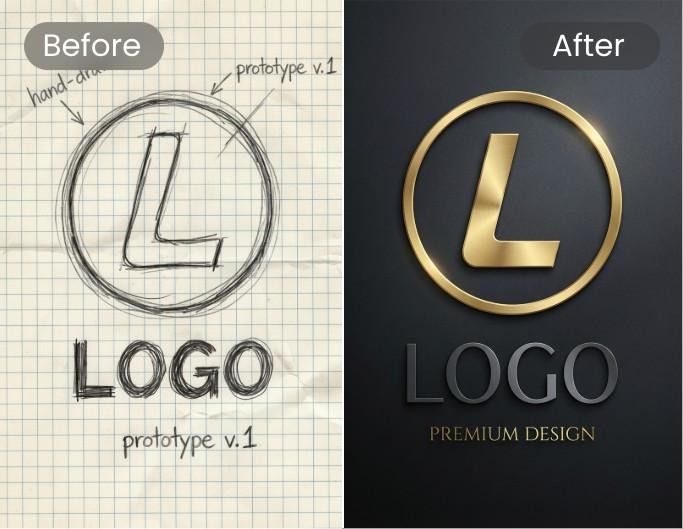
2. AI Tools for Graphic Design & Branding
| Tool | Best For | Key Features | Example Use |
| Canva AI | Beginners & pros | Magic design, templates | Social media posts |
| Looka | Branding | Logo + brand kit | Startup branding |
| Designs.ai | Marketing creatives | Video + logo + design | Ads & campaigns |
Example: You can quickly create a full Instagram post with text, layout, and images using Canva AI.
3. AI Tools for Photo Editing
| Tool | Best For | Key Features | Example Use |
| Adobe Firefly | Advanced editing | Generative fill | Remove/add objects |
| Remove.bg | Background removal | One-click edit | Product photos |
| Luminar AI | Photo enhancement | AI retouch | Portrait editing |
Example: You can quickly replace unwanted objects with realistic backgrounds using Adobe Firefly.
4. AI Tools for UI/UX Designers
| Tool | Best For | Key Features | Example Use |
| Figma AI | UI design | Auto layouts, suggestions | App design |
| Uizard | Wireframing | Text-to-design | Prototypes |
| Galileo AI | UI generation | Prompt-based UI | Website mockups |
Example: Enter a prompt like “food delivery app homepage” and generate a UI layout instantly.
Comparison of the Best AI Tools for Graphic Designers
| Category | Best Tool | Ease of Use | Pricing | Output Quality |
| Image Generation | Midjourney | Medium | Paid | ????? |
| Branding | Canva AI | Easy | Freemium | ???? |
| Photo Editing | Adobe Firefly | Medium | Paid | ????? |
| UI Design | Figma AI | Medium | Freemium | ???? |
How to Choose the Best AI Tools for Graphic Designers
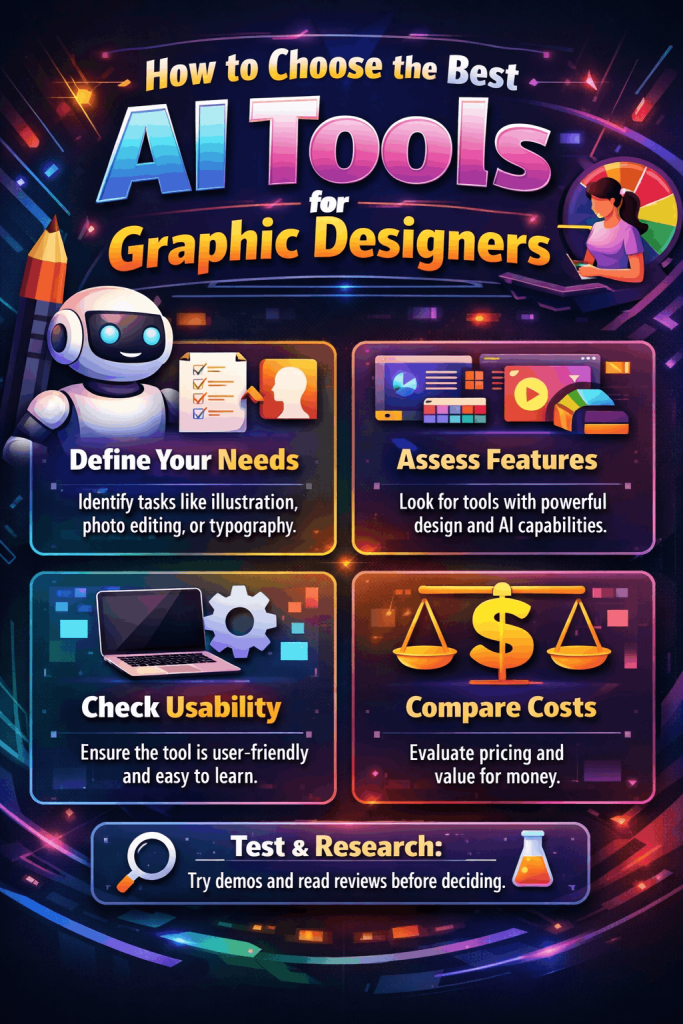
Choosing the best AI tools for graphic designers depends on your needs:
Consider These Factors:
- Skill level (Beginner vs. Professional)
- Type of work (Logo, UI, social media, etc.)
- Budget
- Integration with existing tools
- Beginners – Canva AI
- Professionals – Adobe Firefly + Midjourney
- UI Designers – Figma AI
Tips to Use AI Tools Effectively in Graphic Design
- Combine human creativity + AI speed
- Use AI for ideas, not final output only
- Always customize AI-generated designs
- Maintain brand consistency
Common Mistakes to Avoid
- Over-relying on AI without editing
- Ignoring originality and brand voice
- Using low-quality prompts
- Not understanding licensing rights
Future of AI in Graphic Design
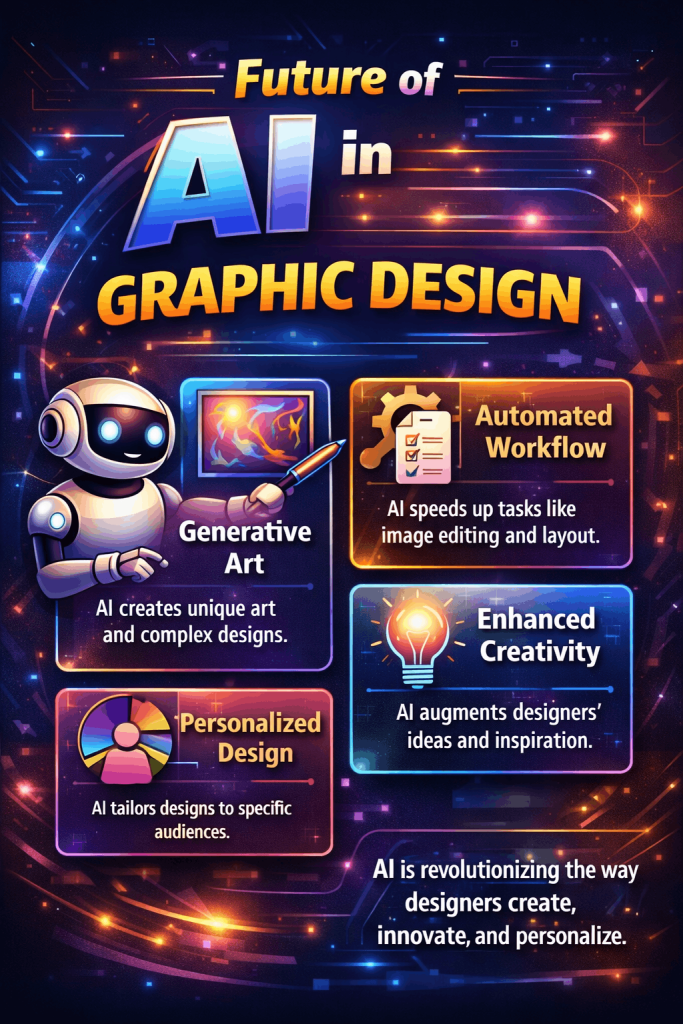
The best AI tools for graphic designers will continue to evolve with the following:
- Real-time collaboration
- Voice-based design commands
- Fully automated branding systems
Final Thoughts on Best AI Tools for Graphic Designers:
The best AI tools for graphic designers are no longer optional; they are essential for staying competitive in 2026. Whether you’re creating logos, social media posts, or UI designs, these tools help you work faster, smarter, and more creatively.
By choosing the right tools and combining them with your creativity, you can produce high-quality designs that stand out in today’s competitive market.
If you’re also exploring AI beyond design, check out our guide on Best AI Tools for Content Creators in 2026 to discover how AI is transforming content creation across industries.
FAQ’s for Best AI Tools for Graphic Designers
Q1. What are the best AI tools for graphic designers?
The best AI tools for graphic designers include Midjourney, Canva AI, Adobe Firefly, and Figma AI, depending on your design needs.
Q2. Are AI tools replacing graphic designers?
No, AI tools enhance productivity but still require human creativity and decision-making.
Q3. Which AI tool is best for beginners?
Canva AI is one of the easiest tools for beginners due to its drag-and-drop interface.
Great article! The way you’ve explained the evolution of AI tools for graphic designers in 2026 is really insightful. It’s clear that AI is no longer just a trend—it has become an essential part of the creative workflow, helping designers move from concept to execution much faster.
Tools like Adobe Firefly, Canva Magic Studio, and AI-powered platforms for UI/UX and motion design are truly transforming how designers work—especially with features like text-to-design generation, automated layouts, and smart editing.
What stands out most is your point that AI doesn’t replace creativity—it enhances it. Designers who know how to combine human creativity with AI efficiency are definitely going to lead the industry.
At Techqee, we’ve seen similar trends while working on digital projects—especially when combining AI-powered design with digital marketing strategies and conversion-focused websites. It’s not just about creating visuals anymore, but about creating designs that actually drive engagement and results.
Thanks for sharing such a valuable and future-focused guide—this will definitely help designers and businesses stay ahead in 2026!